OutOfMemoryError: Exit Immediately
TLDR: I highly recommend to use -XX:+ExitOnOutOfMemoryError or -XX:+CrashOnOutOfMemoryError
for Java apps, combined with -XX:HeapDumpPath=path-to-crash-dumps -XX:+HeapDumpOnOutOfMemoryError.
This stops the JVM from trying to limp on when it runs out of memory and provides dumps to analyze
the issue later.
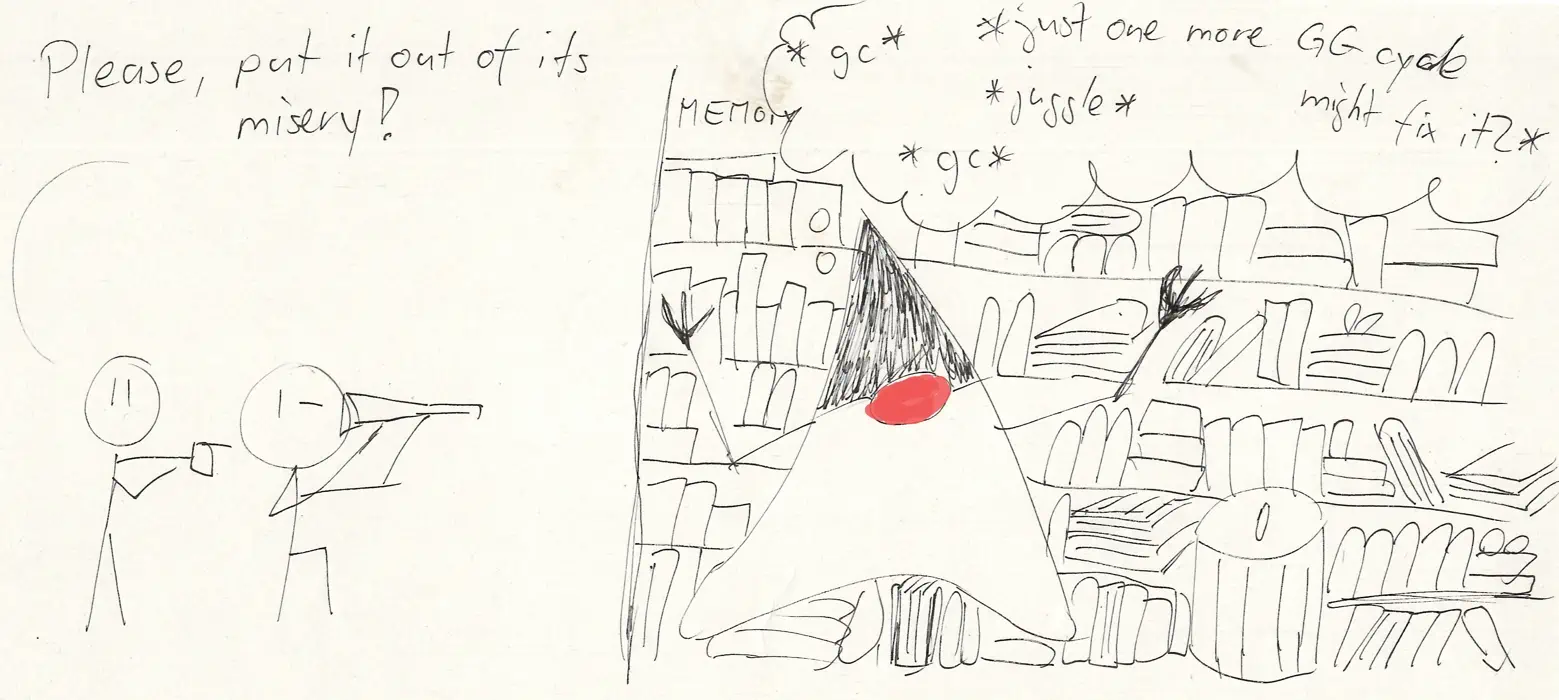
You unlikely recover from out of Memory.
Java throws a OutOfMemoryError when it runs out of memory
[1].
That error doesn’t crash the JMV right away. However, in reality continuing is unwise for the vast majority or apps, because:
Your exception handler that gets the OutOfMemoryError might try to allocate again, crashing again. This leads to into code paths which are most likely untested.
Your OutOfMemoryError might left things in a broken state. Like an incompleted in-memory data structure, partial writes to a socket, leaving things in an inconsistent state.
Even when you recover: You most likely run into the OutOfMemory exception shortly after.
The GC will consume tons of CPU, your app will grind down to slow-motion.
Uncatchable OutOfMemoryErrors
Now, I recently discovered that there exist unreachable `OutOfMemoryError`s.
Here is an example app that allocates tons of memory. On OutOfMemory, it clears it buffer and tries again:
for (int i = 0; i < 100; i++) {
    var data = new ArrayList<String>();
    try {
        for (int j = 0; j < 100_000_000; j++) {
            data.add("Some data: " + j + " -"  + System.currentTimeMillis() + "---" + UUID.randomUUID().toString());
            if (j % 10_000 == 1) {
                System.out.println("at: " + j);
            }

        }
    } catch (Throwable t) {
        data.clear(); // Release memory
        System.out.println("Memory released, the error was:");
        t.printStackTrace();
    }
}
Then I ran this example app a few times, with vastly different outcomes:
Sometimes, it crashes on out of memory and continues, as the code suggests:
at: 4540001
Memory released, the error was:
java.lang.OutOfMemoryError: Java heap space
at: 1
at: 10001
Other times I got this error and a JVM exit:
at: 4520001
Exception in thread "main" java.lang.OutOfMemoryError: Java heap space: failed reallocation of scalar replaced objects

Process finished with exit code 1
Sometimes the same error, but with a stack trace:
Exception in thread "main" java.lang.OutOfMemoryError: Java heap space: failed reallocation of scalar replaced objects
	at java.base/jdk.internal.misc.Unsafe.allocateUninitializedArray(Unsafe.java:1380)
	at java.base/java.lang.StringConcatHelper.newArray(StringConcatHelper.java:511)
	at java.base/java.lang.invoke.DirectMethodHandle$Holder.invokeStatic(DirectMethodHandle$Holder)
	at java.base/java.lang.invoke.LambdaForm$MH/0x00007ff00400a000.invoke(LambdaForm$MH)
	at java.base/java.lang.invoke.LambdaForm$MH/0x00007ff00400a800.linkToTargetMethod(LambdaForm$MH)
	at HelloWorld.main(HelloWorld.java:23)

Process finished with exit code 1
One time I try to cancel the run…and the app failed to stop because it ran out of memory in the Signal handler:
OpenJDK 64-Bit Server VM warning: Exception java.lang.OutOfMemoryError occurred dispatching signal SIGINT to handler- the VM may need to be forcibly terminated
^COpenJDK 64-Bit Server VM warning: Exception java.lang.OutOfMemoryError occurred dispatching signal SIGINT to handler- the VM may need to be forcibly terminated
So, the conclusion: Even if you try to recover, the JVM might exit anyway. And if you try to kill a JVM that is out of memory, it might won’t react to a signal and takes longer to be killed.
So, more reasons to kill the JVM on such situations.
ExitOnOutOfMemoryError vs CrashOnOutOfMemoryError
The -XX:+ExitOnOutOfMemoryError flavor exits the JVM with an error code and that is it.
The -XX:+CrashOnOutOfMemoryError will crash the JVM, which means you get a error report file with tons of more information.
So, I prefer the CrashOnOutOfMemoryError variant, as it gives you more information right out box.
However, the most important is still having the -XX:HeapDumpPath=path-to-dumps -XX:+HeapDumpOnOutOfMemoryError
flags set, so you can inspect what used up the JVM heap.
Here is a example error of CrashOnOutOfMemoryError with heap dump. Note the two files it created. The heap dump and the error report. And depending on the OS setting also a core dump will be created.
java -XX:+CrashOnOutOfMemoryError -XX:HeapDumpPath=. -XX:+HeapDumpOnOutOfMemoryError ....
....
at: 4520001
java.lang.OutOfMemoryError: Java heap space
Dumping heap to ./java_pid112947.hprof ...
Heap dump file created [640069144 bytes in 0.416 secs]
Aborting due to java.lang.OutOfMemoryError: Java heap space
#
# A fatal error has been detected by the Java Runtime Environment:
#
#  Internal Error (debug.cpp:271), pid=112947, tid=112949
#  fatal error: OutOfMemory encountered: Java heap space
#
# JRE version: OpenJDK Runtime Environment Temurin-21.0.4+7 (21.0.4+7) (build 21.0.4+7-LTS)
# Java VM: OpenJDK 64-Bit Server VM Temurin-21.0.4+7 (21.0.4+7-LTS, mixed mode, sharing, tiered, compressed oops, compressed class ptrs, g1 gc, linux-amd64)
# Core dump will be written. Default location: Core dumps may be processed with "/usr/lib/systemd/systemd-coredump %P %u %g %s %t %c %h %d %F" (or dumping to /home/roman/dev/private-dev/java-try/core.112947)
#
# An error report file with more information is saved as:
# /home/roman/dev/private-dev/java-try/hs_err_pid112947.log
[3.877s][warning][os] Loading hsdis library failed
Exiting the JVM for your own catastrophic events.
Sometimes as an app you want to exit immediately on error conditions. A recent example: Stop the app if it cannot write errors to its log anymore. Because I rather crash the app than continue in a weird state and not logs can go out.
So, there are two options: Runtime.getRuntime().exit() and Runtime.getRuntime().halt().
The .exit is exits the JVM normally and runs cleanup code and exit hooks.
The .halt method exist immediately, without running any extra code.
Exit():
Runtime.getRuntime().addShutdownHook(new Thread(() -> {
    System.out.println("K, thx bye from a shutdown hook");
}));
System.err.println("Yikes, I'm a mess. I must die");
Runtime.getRuntime().exit(3);
Does still run shutdown hooks:
$ java ...
Yikes, I'm a mess. I must die
K, thx bye from a shutdown hook

Process finished with exit code 3
Same code but with Runtime.getRuntime().halt(3) will immediately exit:
Yikes, I'm a mess. I must die

Process finished with exit code 3